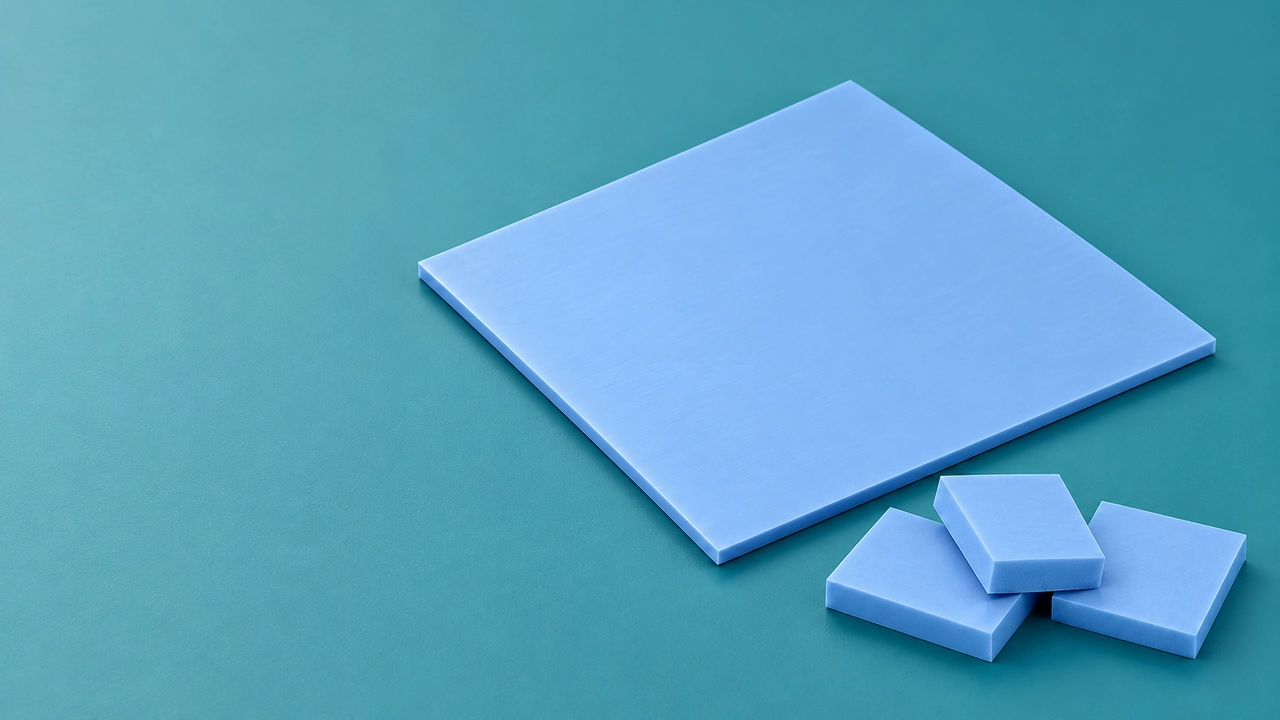
Thermal pads carry heat away from electronic devices such as graphics cards and industrial equipment. But how long do thermal pads last under real-world operating conditions?
Over time, the pads may lose performance, which can lower their thermal conductivity. Understanding these factors helps you choose the right thermal pad for your project and helps prevent overheating.
What Are Thermal Pads and Why Are They Important?
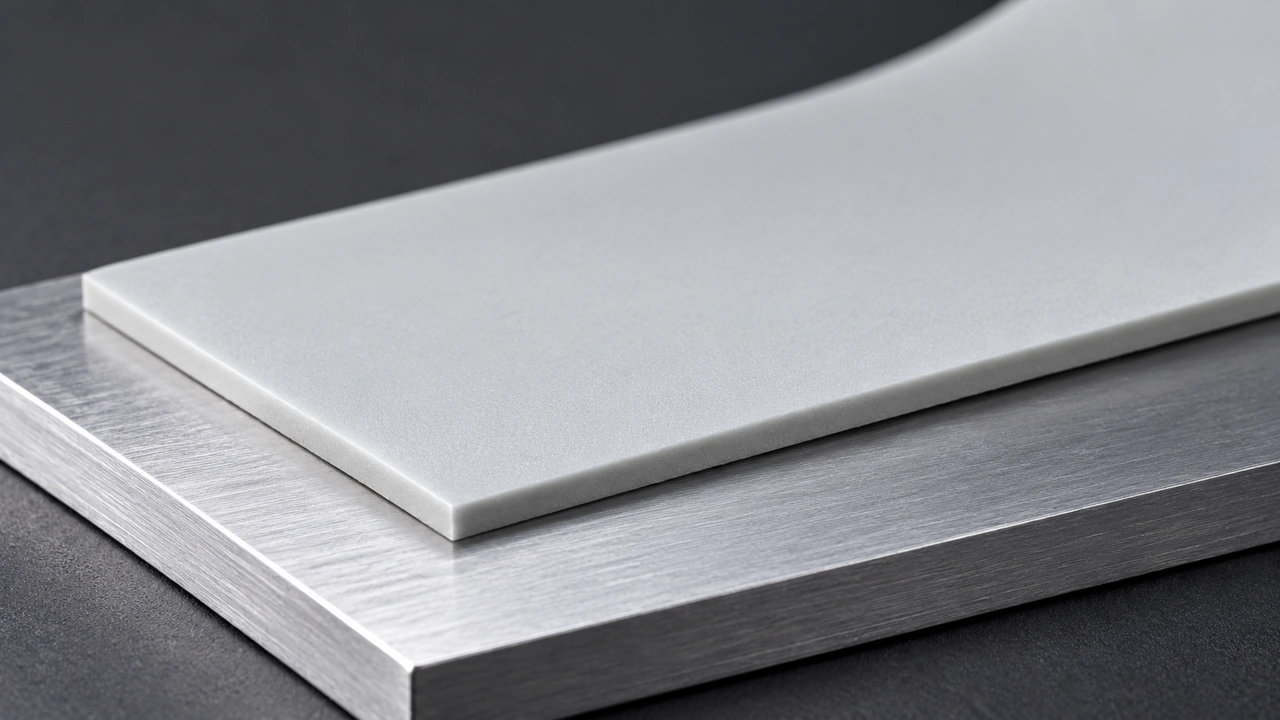
Thermal pads fill the small gaps between electronic components and heatsinks, helping heat transfer from hot components to the cooling system. You may find them in graphics cards, servers, power supplies, and industrial control equipment, where stable temperatures are important for reliable operation.
A pad that does not fit the gap may not transfer heat well. Measure the component heights, available space, and expected operating temperature before selecting a thickness or comparing thermal conductivity ratings.

What Factors Affect Thermal Pad Lifespan?
Operating Temperature and Thermal Cycling
High operating temperatures can gradually change a thermal pad's properties. Repeated heating and cooling can also change the pad's properties, particularly when your equipment runs for long periods and experiences frequent temperature changes during startup and shutdown.
For example, a power supply that operates continuously in a hot enclosure may put greater heat stress on its thermal pad than equipment used for short periods in a cooler setting. The temperature near the pad is more useful for selection than the room temperature alone.
If your product runs continuously or experiences frequent temperature changes, ask for reliability test data that matches those conditions.
Material Quality and Thermal Conductivity
Thermal conductivity tells you how well a thermal pad transfers heat. It is usually measured in W/m·K. A higher value means better heat transfer under the same test conditions.
But two pads with similar ratings may still differ in how easily they compress, how flexible they are, and how well they hold up over time. These differences matter because the pad needs to stay in good contact with the component and heat sink to transfer heat well over the long term.
Compression and Installation
A thermal pad needs to compress enough to fill the gap between the component and heatsink. If the pad is not thick enough, it will not make full contact. If it is too thick, it may put unwanted pressure on components or prevent other parts of the assembly from making proper contact.
This is especially important when components sit at different heights. Memory chips and power components, for example, can need different pad thicknesses in one assembly.
Before placing your order, check the required thickness at each contact point and follow your supplier’s compression guidelines. During assembly, make sure you position the pad correctly. Avoid stretching or damaging it, as this can affect contact and heat transfer.
Operating Environment and Cooling Conditions
Dust, moisture and chemical vapours can change thermal pad performance over time. Contamination may also contribute to damage in the pad, depending on the pad's composition and the surrounding conditions. Inadequate ventilation and heat dissipation can raise the operating temperature of the base unit, further accelerating ageing and shortening the service life.
If you use thermal pads in outdoor control equipment or factory workshops, keep components well sealed against dust and moisture. Clean air ducts regularly to protect the pads and reduce the need for on-site repairs.
How Long Do Thermal Pads Last?
Thermal pad lifespan generally refers to two different periods: shelf life before installation and service life after installation. You should keep separate records for these two periods to facilitate stock management and the formulation of plans for servicing complete equipment.
Shelf Life
The typical shelf life of thermal pads is approximately 6–12 months before installation. Some products may have a longer approved shelf life, so check the manufacturer's technical data sheet before placing a bulk order.
If you store thermal pads for several months before production, confirm the storage temperature, humidity requirements, and expiration date with your supplier. This lets you plan inventory rotation and avoid using pads beyond their recommended storage period.
Service Life
The typical thermal pad service life is approximately 3–5 years after installation under normal operating conditions. High-quality pads may last 5–10 years or longer, while pads exposed to high temperatures for long periods or high operating loads may work less well sooner.
Whether you are asking “How long do thermal pads last on a CPU?” or “How long do laptop thermal pads last?”, consider the component temperature, operating hours, thermal cycling, and compression conditions. If your equipment is designed for continuous operation over five years, ask your supplier for reliability test results and test the pad's thermal performance in conditions similar to those in your product.
How Long Do GPU Thermal Pads Last?
For GPU-related equipment, 3–5 years can serve as a rough initial planning estimate for GPU thermal pad lifespan, rather than a fixed replacement interval.
If your product must continuously perform graphics or computational tasks, its components may be exposed to high temperatures for several hours. Check actual operating temperatures and cooling conditions rather than estimating how long GPU thermal pads last from workload alone.
How to Extend Thermal Pad Lifespan
Maintain Proper Cooling and Airflow
Adequate and stable airflow helps to control the base operating temperature of equipment and slows down the ageing of the polymer matrix in thermal pads. If your equipment is deployed in batches within server racks or industrial control enclosures, ensure sufficient space is left for airflow and regularly clean dust from the air ducts to prevent localised heat build-up from accelerating the ageing of the pads.
Monitor Component Temperatures Regularly
Establish a temperature monitoring routine to promptly detect abnormal temperature rises. For mass-produced equipment such as servers and industrial motherboards, you can implement remote temperature monitoring. A sustained rise in temperature is often an early indication of thermal pad performance degradation, allowing you to schedule maintenance in advance and avoid widespread failures.
Choose the Correct Thermal Pad Thickness
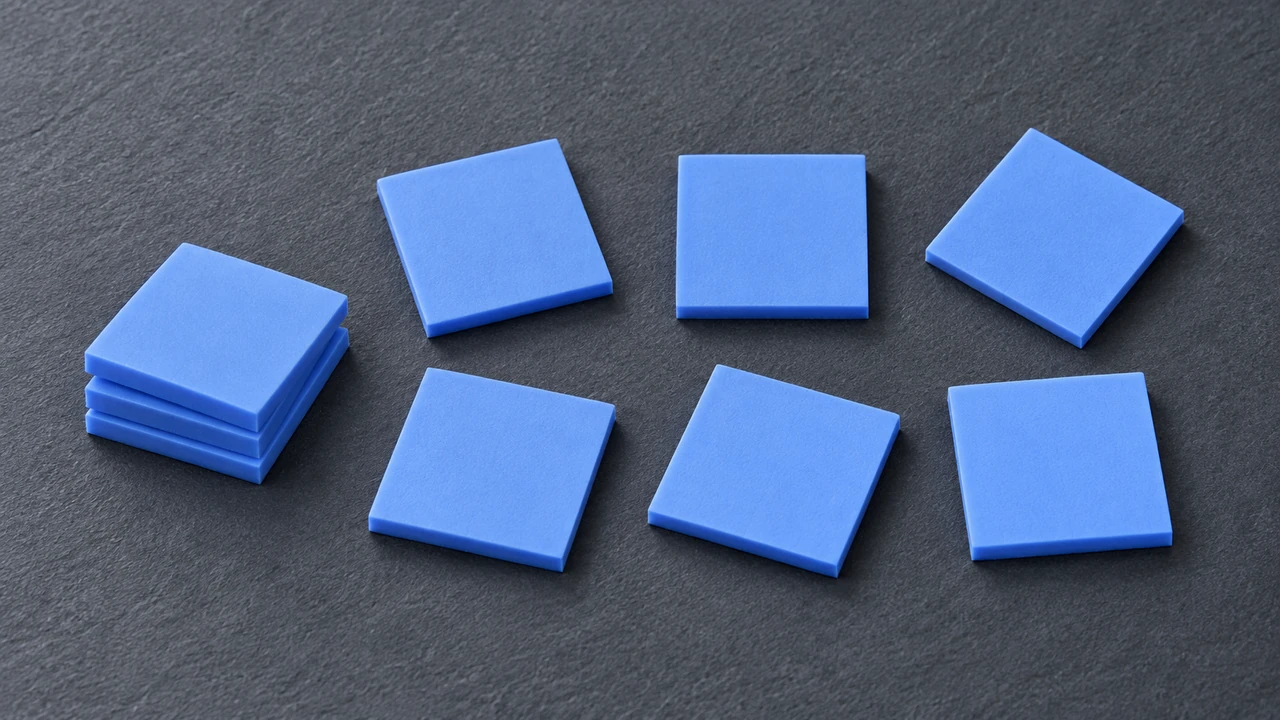
Thickness directly determines the degree of compression and the quality of the bond. Excessive thickness can lead to over-compression, forcing out the internal thermal fillers; insufficient thickness fails to fill the gap. During the project prototyping stage, select the appropriate thickness based on component tolerances to ensure consistency in mass-production assembly.
Follow Proper Installation Procedures
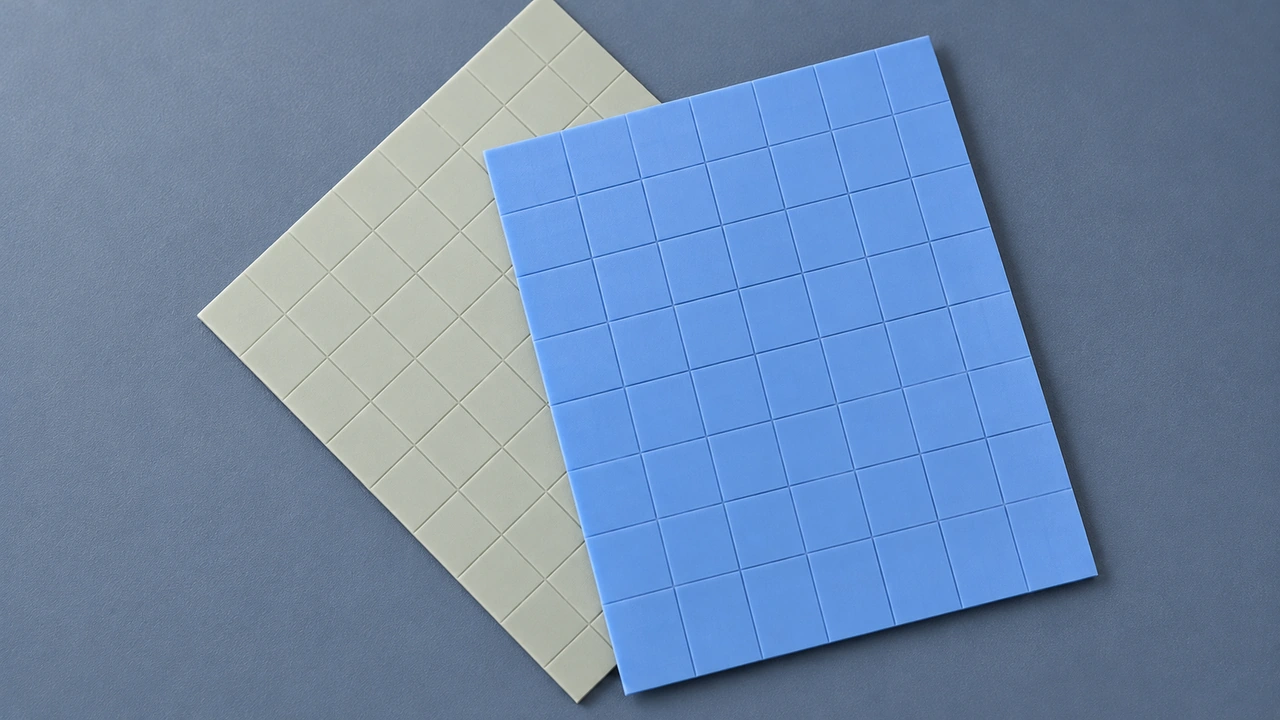
Whether using automated production line lamination or manual assembly, always follow the manufacturer’s guidelines strictly. During installation, do not pull or twist the thermal pad; calibrate the jig pressure to ensure uniform compression. Standardised operations prevent batch assembly defects and preserve the thermal pad’s structural integrity from the outset.
Avoid Unnecessary Disassembly and Reuse
Once a thermal pad has been compressed, its internal structure has already undergone deformation. If your equipment requires disassembly for maintenance, it is not recommended to remove and reuse the old pad. Repeated disassembly and reassembly will compromise the pad’s elasticity, leading to an increase in thermal resistance at the contact points, which is unsuitable for the long-term stable operation of mass-production projects.
Store Unused Thermal Pads Properly
Keep stocked materials in their original manufacturer’s packaging, away from high temperatures, direct sunlight and damp environments. When stocking large quantities, implement a first-in, first-out (FIFO) management system and record the production batch numbers. Improper storage may prematurely degrade the pad’s elasticity, leading to batch-wide bonding failures once the product is put into service.
Follow Manufacturer Maintenance Recommendations
Thermal pads with different formulations exhibit varying ageing characteristics; therefore, refer to the maintenance cycles and inspection standards provided by the supplier. Taking your specific application into account, incorporate thermal pad inspection and replacement into your equipment’s preventive maintenance programme to balance maintenance costs with overall system reliability.
FAQs
Final Thoughts
GALLOP INNOTEK brings over 10 years of thermal interface material experience, in-house reliability testing, and custom design support. Share your operating temperature, gap size, and application requirements with us to find a thermal pad solution that fits your project.